Service
Remote Support Services
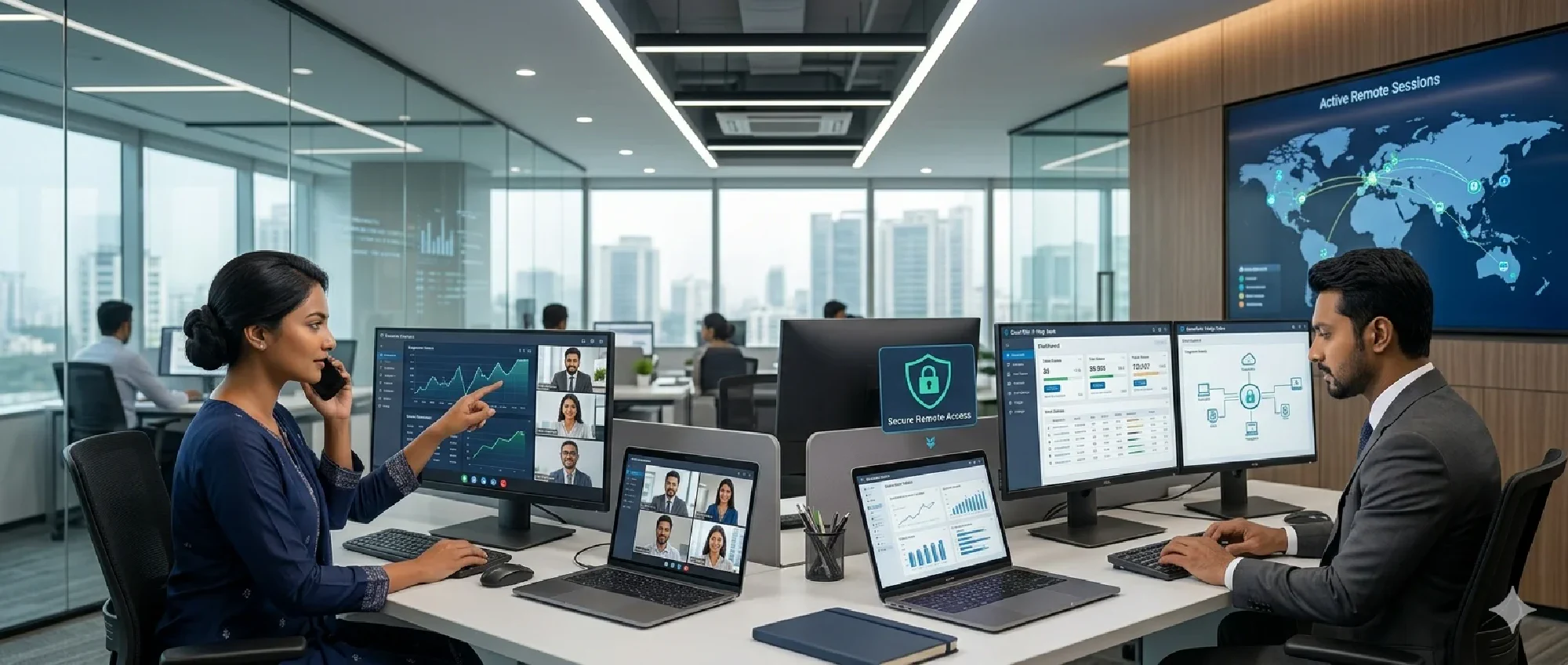
24/7 remote technical support and maintenance. Proactive monitoring and rapid issue resolution for your IT infrastructure.
Outcome
Clear architecture aligned with your business goals and growth plan.
Execution
Practical implementation roadmap, timeline, and risk-aware rollout.
Support
Ongoing optimization with reliable technical support and guidance.
24/7 Remote Monitoring & Maintenance
Rasim Networks provides comprehensive remote monitoring services using enterprise-grade RMM (Remote Monitoring and Management) tools. Our NOC (Network Operations Center) monitors your critical systems around the clock, ensuring maximum uptime and proactive issue resolution.
Remote Monitoring Services
Infrastructure Monitoring
- Server Performance: CPU, memory, disk usage alerts via PRTG, SolarWinds
- Network Device Monitoring: Switch, router, firewall status monitoring with SNMP
- Application Monitoring: Database performance, web services, email server monitoring
- Storage Systems: SAN/NAS capacity alerts, disk failure predictions, RAID status
Automated Maintenance Tasks
- Windows Update Management: WSUS deployment, reboot scheduling, rollback procedures
- Antivirus Management: Endpoint protection updates, scan scheduling, threat remediation
- Backup Verification: Automated backup success monitoring, restore testing
- Log Analysis: Security log monitoring, error pattern identification, compliance reporting
Remote Access Solutions
- TeamViewer Enterprise: Secure remote desktop access for troubleshooting
- ConnectWise Control: Professional remote support with session recording
- Windows RDP: Secure remote desktop protocol connections through VPN
- SSH Terminal Access: Command-line access for Linux server administration
- Software Updates: Timely installation of software updates and upgrades
- System Optimization: Performance tuning and optimization services
- Backup Verification: Regular backup testing and verification procedures
Remote Management Capabilities
Infrastructure Management
- Server Management: Remote administration of physical and virtual servers
- Network Management: Configuration and monitoring of network devices
- Cloud Management: Remote management of cloud-based resources
- Storage Management: Monitoring and management of storage systems
Security Management
- Antivirus Management: Centralized antivirus deployment and monitoring
- Firewall Management: Remote firewall configuration and monitoring
- Security Patch Management: Priority security updates and vulnerability remediation
- Compliance Monitoring: Continuous compliance monitoring and reporting
Desktop Support
- Remote Desktop Assistance: Direct remote access for user support
- Software Installation: Remote software deployment and configuration
- User Account Management: Remote user account creation and management
- Printer and Peripheral Support: Remote troubleshooting of office equipment
Service Features
Advanced Remote Tools
- Secure Remote Access: Encrypted remote access to your systems
- Screen Sharing: Interactive screen sharing for collaborative troubleshooting
- File Transfer: Secure file transfer for updates and patches
- Remote Command Execution: Secure command-line access for advanced troubleshooting
Comprehensive Reporting
- Performance Reports: Regular reports on system performance and health
- Incident Reports: Detailed documentation of all support incidents
- Maintenance Logs: Complete logs of all maintenance activities
- Trend Analysis: Long-term trend analysis and recommendations
Integration Capabilities
- ITSM Integration: Integration with your existing IT service management tools
- Ticketing Systems: Seamless integration with help desk ticketing systems
- Monitoring Dashboards: Custom dashboards for real-time system visibility
- API Access: API access for integration with third-party tools
Support Tiers
Essential Remote Support
- Business Hours Monitoring: Monitoring during standard business hours
- Email Support: Technical support via email with response SLA
- Basic Reporting: Monthly performance and incident reports
- Standard Response Time: 4-hour response time for non-critical issues
Professional Remote Support
- 24/7 Monitoring: Round-the-clock system monitoring and alerting
- Phone Support: Direct phone access to technical support team
- Advanced Reporting: Weekly performance reports with trend analysis
- Priority Response: 2-hour response time for critical issues
Enterprise Remote Support
- Dedicated Support Team: Dedicated technical team familiar with your environment
- Proactive Optimization: Regular system optimization and performance tuning
- Custom Dashboards: Customized monitoring dashboards and reporting
- Immediate Response: 30-minute response time for critical issues
Industry-Specific Solutions
Healthcare Remote Support
- HIPAA Compliance: Secure remote support for healthcare IT systems
- Medical Device Support: Specialized support for medical equipment connectivity
- EHR System Support: Remote support for electronic health record systems
- Regulatory Compliance: Ensure compliance with healthcare regulations
Financial Services
- Secure Remote Access: Bank-grade security for remote support sessions
- Compliance Support: Support for financial industry regulations
- Trading System Support: Specialized support for trading and financial systems
- Audit Trail: Comprehensive audit trails for all remote support activities
Manufacturing
- Industrial System Support: Remote support for manufacturing IT systems
- SCADA/HMI Support: Specialized support for industrial control systems
- Production System Monitoring: Real-time monitoring of production-critical systems
- Minimal Downtime: Strategies to minimize production downtime
Technology Platforms
Operating Systems
- Windows Environments: Complete support for Windows Server and Desktop
- Linux Distributions: Expert support for major Linux distributions
- macOS Support: Remote support for Apple macOS systems
- Virtualization Platforms: VMware, Hyper-V, and other virtualization support
Cloud Platforms
- Amazon Web Services: Remote management and support for AWS infrastructure
- Microsoft Azure: Comprehensive Azure cloud support and management
- Google Cloud Platform: Expert GCP support and optimization
- Hybrid Environments: Support for hybrid cloud and on-premises infrastructure
Business Applications
- Microsoft 365: Complete support for Office 365 and Microsoft 365 environments
- Google Workspace: Expert support for Google Workspace applications
- CRM Systems: Support for Salesforce, Microsoft Dynamics, and other CRM platforms
- ERP Systems: Remote support for enterprise resource planning systems
Benefits of Remote Support
Cost Savings
- Reduced Travel Costs: Eliminate the need for on-site technical visits
- Lower Overhead: Reduce the need for in-house IT staff
- Predictable Costs: Fixed monthly costs for predictable budgeting
- Efficient Resource Utilization: Maximize the efficiency of IT support resources
Faster Resolution
- Immediate Access: Instant access to your systems for rapid troubleshooting
- No Travel Time: Eliminate delays caused by travel to your location
- Expert Resources: Access to specialized expertise without geographical limitations
- 24/7 Availability: Round-the-clock support for critical issues
Enhanced Security
- Secure Connections: All remote sessions use encrypted, secure connections
- Session Recording: Complete audit trails of all remote support sessions
- Access Controls: Strict access controls and authentication procedures
- Compliance: Meet regulatory requirements for remote access and support
Get Comprehensive Remote Support
Ready to enhance your IT support capabilities with professional remote services? Rasim Networks provides reliable, secure, and comprehensive remote support solutions tailored to your business needs.
Need expert guidance?
Tell us your current setup and goals. We’ll suggest the best-fit solution and implementation plan.